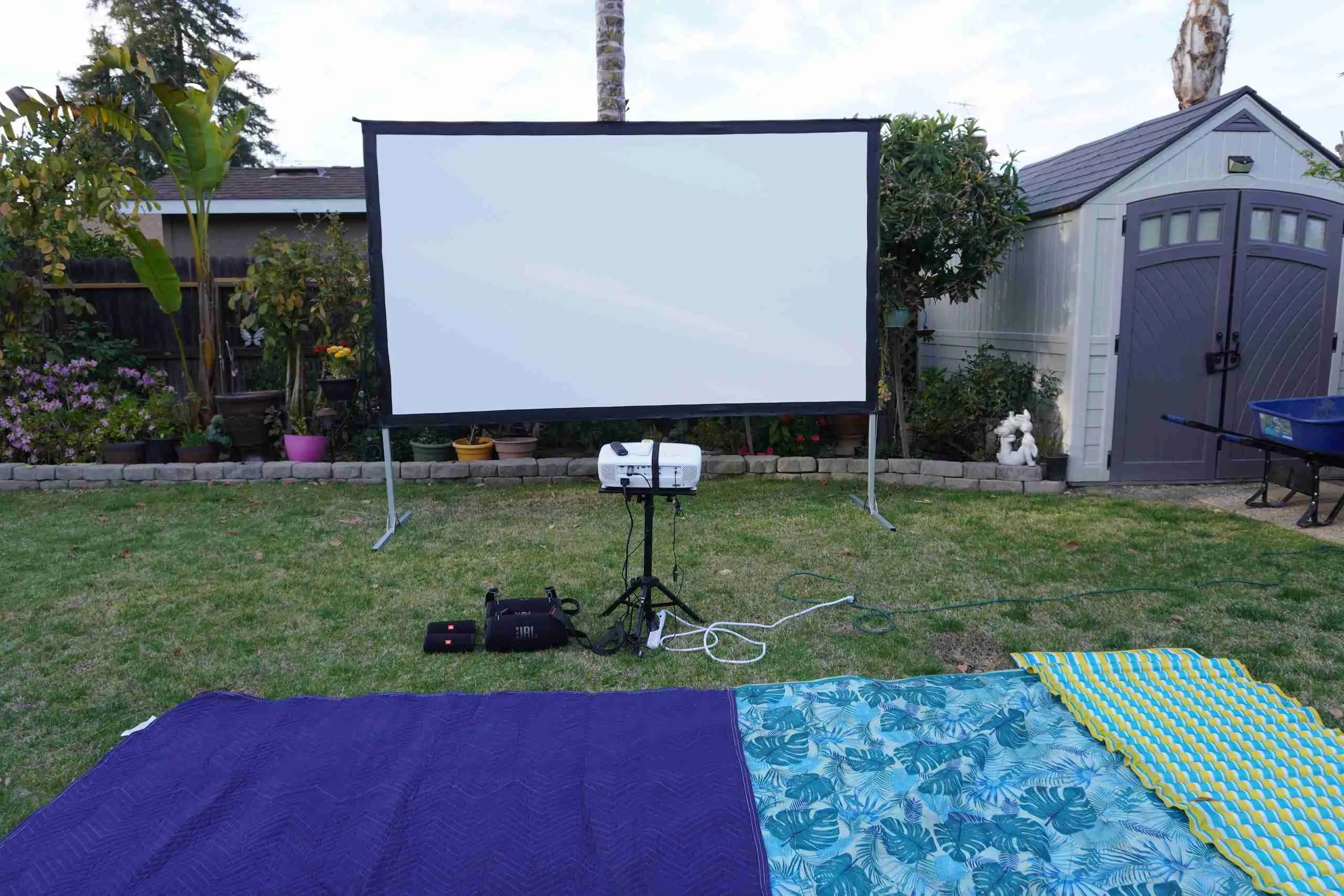
I recently had a small outdoor movie night at my in-law’s house. It was the first time for most of those that showed up. They all loved seeing movies on a big screen outdoor. They constantly commented on how clear the movies were.
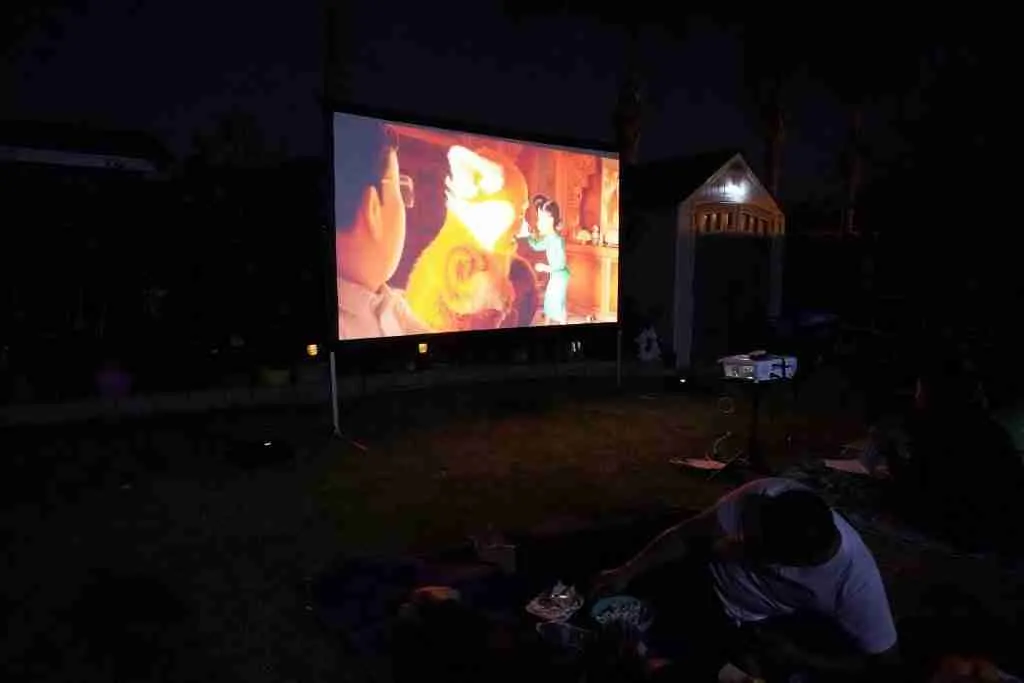
Below is a list of products I used for the outdoor movie setup. I will try to break down the different components and how to connect them.
I hope this gives you some ideas on how you can have your own outdoor movie setup.
1. 120″ Projector Screen
Read Full Review: 120″ JWSIT Outdoor Projector Screen Review
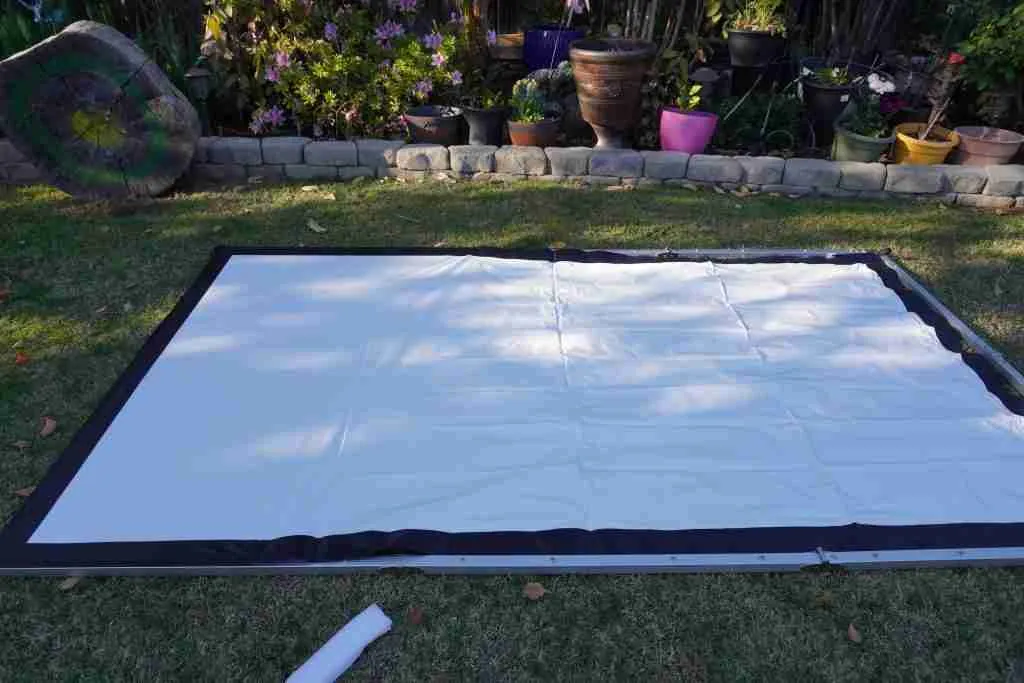
The first thing you want to do is set up a projector screen. I chose this particular projector based on its 5-star reviews on Amazon.
This is a solidly built projector screen. Creases are nonexistent when you stretch and button down the screen to the Aluminum frame.
This is a two-person job to set up the screen; that should take no more than 5-10 minutes. You’ll need one person to pull the screen while the other person buttons it down.
I believe that over time as the screen stretches, the projector screen setup can be done with one person.
I didn’t need to anchor down the screen as there was no wind.
2. 100 FT Electrical Cord And Power Strip
You’ll need a 100 ft outdoor electrical cord that can provide power from your nearest outlet to where you will put your outdoor projector.
Try to position the cords away from foot traffic as much as possible.
People will often get up for a different reason, and you don’t want them tripping on the cord in the dark.
Invest in a good power strip. You’ll need to be able to plug in your projector, Your streaming stick like a Roku stick, The Bluetooth transmitter, and any other Blu Ray player you might use.
3. Projector Stand
I went through about three different projector stands till I found the right one that works for me.
The 1st one I bought was a projector tray that you can screw onto a camera tripod.
I’ve found that the setup works only for cheaper LED projectors.
It didn’t work for my projector as it sat too high, and I didn’t feel like the camera tripod leg was wide enough to give the projector stability.
Amazon made the 2nd one I bought. It’s heavy-duty, and I really like it, but it didn’t work for the outdoor projector as, again, it sat too high (36″) while my outdoor screen starts at 24″ from the ground.
The stand could only tilt up but not down. I needed a projector stand that sits really low and can tilt up or down.
This projector stand made by Pyle did the trick as it sits low enough (22″) to work for an outdoor projector screen, and I felt it was stable enough to put my projector on. You can tilt it up or down, depending on the height of your projector screen.
Tips: add some type of strap to hold down the projector to the stand for more stability.
4. BenQ HT2150ST Outdoor Projector
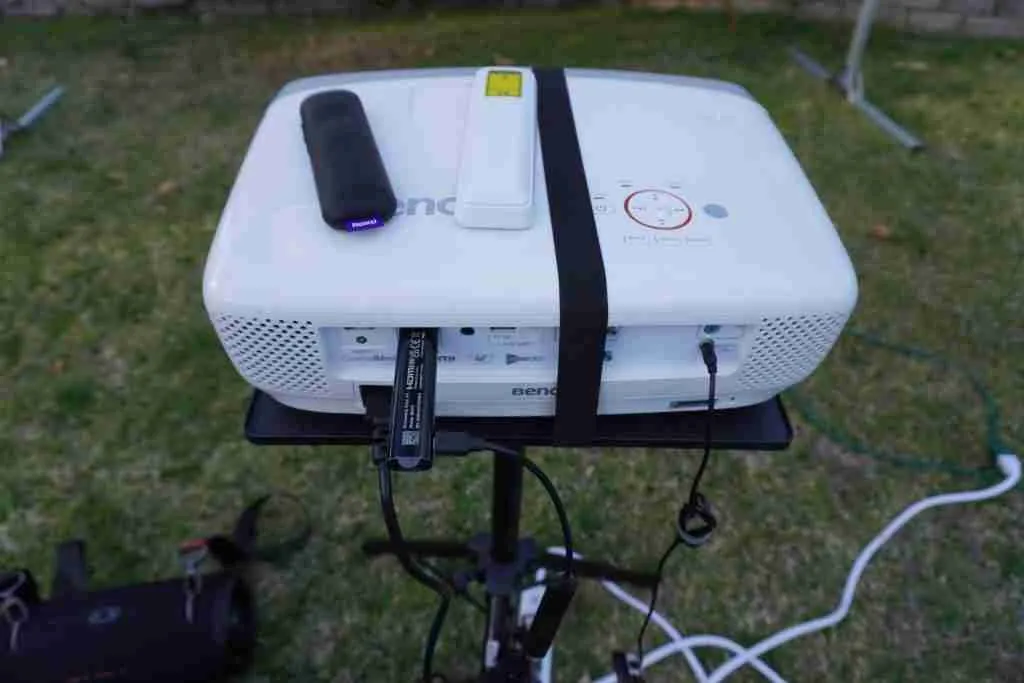
You’ll want to place the projector onto the stand and strap it down.
This is a short-throw projector meaning it can project a large image from a short distance. In my opinion, this is an excellent outdoor projector.
The only thing I dislike about this projector is that it does not have Bluetooth. So you can’t connect a Bluetooth speaker without a Bluetooth Transmitter.
5. Bluetooth Transmitter
This Bluetooth transmitter works. You’ll need to power on the Bluetooth transmitter by connecting to the power strip. Then connect to your projector using the AUDIO OUT.
Here’s how to easily connect to your Bluetooth speaker.
- Power on your Bluetooth speaker and press the Bluetooth icon on your speaker.
- Power on your Bluetooth Transmitter by pressing the power button for 3 seconds.
- Double-tap the power button again to have your Bluetooth transmitter find and connect to your speaker.
When the movies are over, and you are putting everything away. You can press the power button for 3 seconds to turn it off.
When you are ready to use it again, you can turn it back on, and it should automatically connect to your speaker again.
The Bluetooth transmitter can go 10 hours on a full charge. I recommend you keep it plugged in so as not to have any disruption.
I forgot to charge the Bluetooth transmitter one time when I had a small get-together for an outdoor movie.
I let the Bluetooth Transmitter run without plugging it in, and halfway through the movie, the sound cut off.
The Bluetooth Transmitter ran out of battery.
I tried connecting it to a power source, and it would work and then shut off within a minute. Apparently, the power supply is to charge the battery to power the Bluetooth transmitter only and not directly power it.
Luckily I had a corded speaker as backup, and the movie ended without any other problem.
6. Bluetooth Speaker
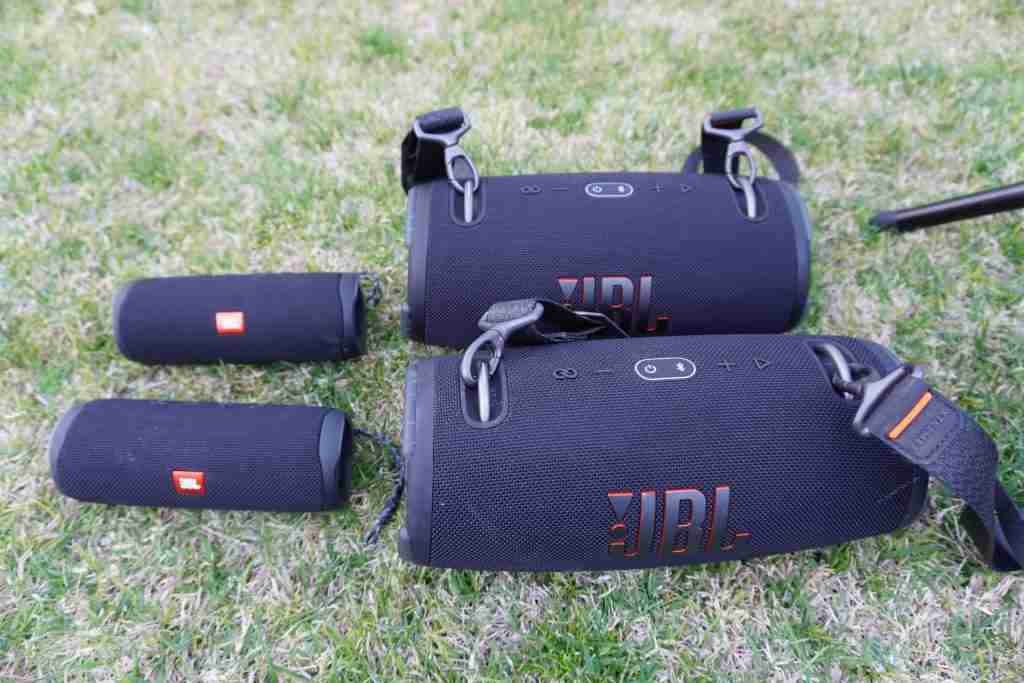
I used TWO JBL Xtreme 3 Bluetooth speakers and TWO JBL Flip 5 Bluetooth speakers. I position the Xtreme 3 speakers on the front and the two smaller Flip 5 speakers on the back.
The sound is amazing!. Did you know you can pair up to 100 JBL speakers as long as they have a “party boost”
To easily pair all 4 of my JBL speakers. All I did was press the “party boost” on the speaker connected to the Bluetooth transmitter and then press “party boost” on the rest of the other three speakers, and they were all connected.
You really don’t need to have four speakers like me. You can get away with just one speaker if you have a few friends over for an outdoor movie night. I recommend either one Jbl Xtreme 3 speaker or two JBL flip 5 if you want the stereo sound.
You’ll want to make sure your Bluetooth is fully charged before using it.
7. Streaming Device
I have a Roku streaming stick to stream all the movies to the projector screen. I connect it to the power strip and attach the Roku stick to the HDMI outlet on the project. I have subscriptions to Netflix, Disney+, HBOmax, Prime Video, Paramount+, and Hulu.
If for some reason your projected image is small, you’ll need to go into Roku “Settings” then “Display Type” and then select “1080p TV”. Do not select “Auto Detect” as you’ll it will sometimes auto select 720p and give you a smaller projected screen.
8. Picnic/Beach Blankets
Lastly, you’ll need several blankets to spread around the projector so you can sit and watch. You can have chairs set up behind the blankets in a semi-circle facing the projector screen for those who don’t want to sit on the blankets. For more seating ideas, you can go here.
What’s the Best Time to Start an Outdoor Movie?
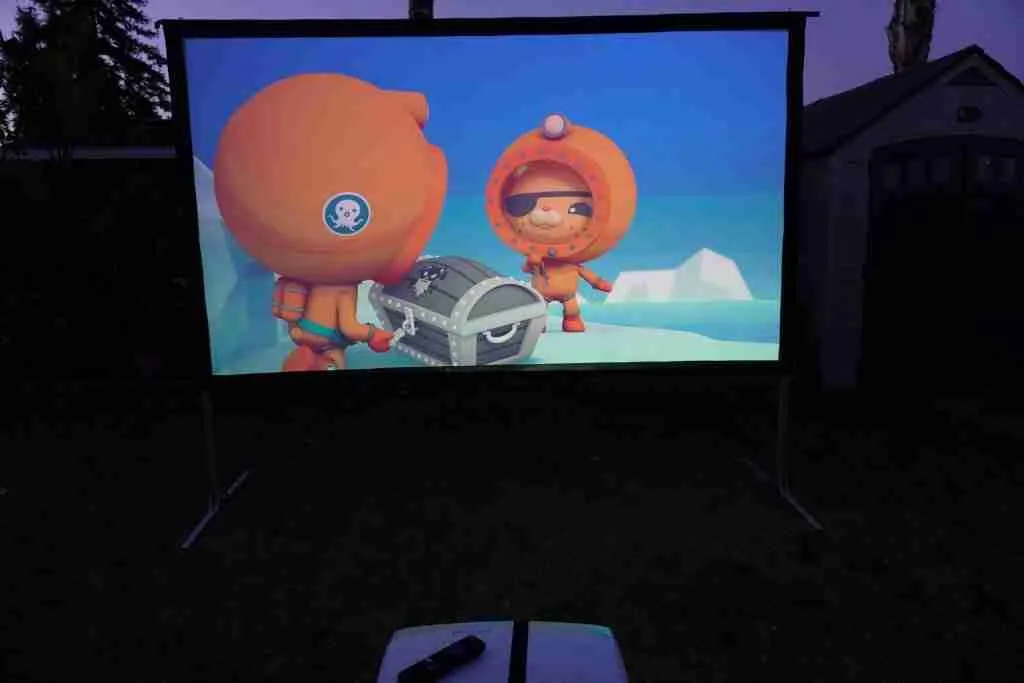
That’s pretty much what you need for an outdoor movie setup. I like to do an outdoor movie once a week with friends and family during the summer months. It’s been great, and I plan on continuing.